
Enterprise WAN accelerators are the ultimate budget home lab goldmine. Corporate IT departments routinely toss out these 1U rackmount appliances when their service contracts expire, dumping them onto secondhand sites for absolute scrap-metal money. Case in point: the Riverbed SteelHead CX-770 (Model CXA-00770-B020).
Don’t let the proprietary enterprise branding fool you. Underneath the steel cover sits an un-locked, standard x86 platform powered by an Ivy Bridge Xeon, dual Intel GbE NICs, and four integrated expansion ports. It makes a rock-solid, low-power router for pfSense, OPNsense, or OpenWrt x86 without forcing you to overpay for cheap consumer gear or realtek-based mini PCs.
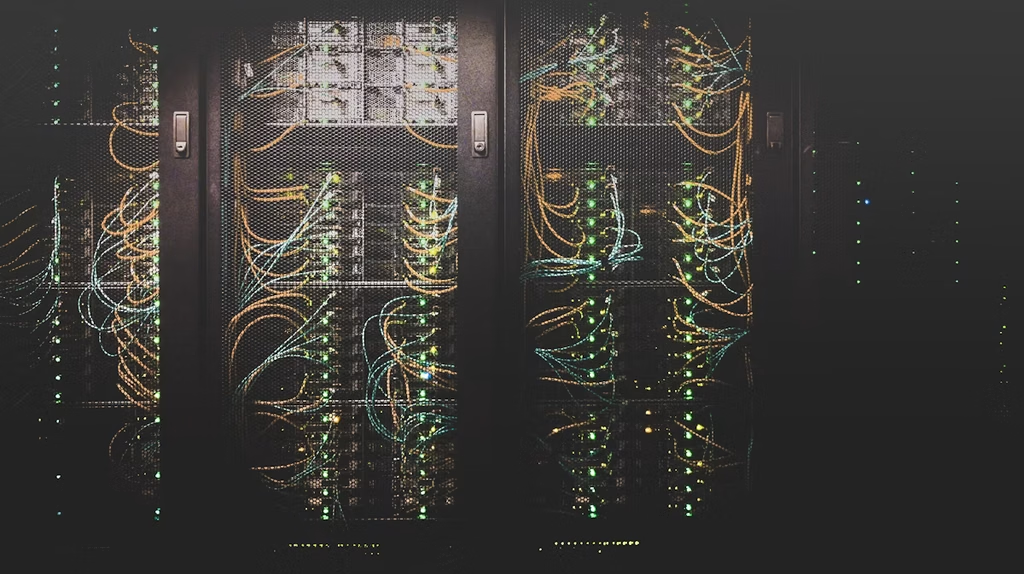
Hardware Specifications & Core Components
Unlike repurposed SFF desktop PCs, the CX-770 is engineered for continuous 24/7 industrial duty. The core specs offer plenty of headroom for gigabit line-rate routing, packet inspection, and local DNS filtering:
- CPU: Intel Xeon E3-1125C v2 (4 Cores / 8 Threads, Ivy Bridge, 2.50GHz, 8MB Cache, 40W TDP).
- Memory: 4x DDR3 DIMM slots supporting PC3-12800E ECC Unbuffered RAM (easily upgradable to 16GB or 32GB).
- Networking: 6x total Gigabit Ethernet interfaces driven entirely by Intel silicon (2x onboard Intel i210 NICs + 4x ports off the Intel DH89xxCC Southbridge).
- PCIe Expansion: 1x Internal PCIe x8 slot (electrically x4). You can drop a low-profile GPU or NVMe storage adapter in here using a flexible extender cable.
- Console Access: Standard Cisco-compatible RJ45 serial rollover port (115200 8N1) with active BIOS serial redirection.
- Power & Thermals: Powered via an external 12V 7A DC barrel supply (5.5mm x 2.5mm center-positive). Idles quietly around ~20W–23W. The dual 40mm cooling fans are audible on boot, but settle down far below standard 1U “jet engine” levels.
BIOS Quirks & Repurposing Setup Notes
Before throwing a FreeBSD or Linux ISO at a USB drive, you’ll need to navigate a few specific hardware quirks over the serial terminal.
1. Standard Unlocked AMI BIOS
The BIOS is completely open—there are no vendor password locks or custom signature checks blocking third-party operating systems. It natively supports both UEFI and legacy CSM booting, meaning OpenWrt x86, pfSense, OPNsense, Proxmox, and stock Debian/Ubuntu run out of the box.
2. Disable “DOM Boot Only”
Factory units usually ship with a small internal USB Disk-On-Module (DOM) connected directly to the motherboard header. By default, the BIOS flags force the system to boot exclusively from this module. Connect via serial cable (115200 baud), break into BIOS on boot, locate the DOM Boot Only option, and switch it to Disabled. Once cleared, reorder your boot devices to target standard SATA SSDs or installation media.
3. Bypass Port Default Configuration
The four expansion NIC ports default to a physical fail-to-wire bypass state when unpowered or unmanaged. Step into the BIOS network settings and switch the Bypass Port Configuration Defaults to Non-Bypass so FreeBSD/Linux interfaces behave like standard discrete network cards.
4. Headless Management (No Onboard VGA)
The motherboard lacks native VGA, HDMI, or DisplayPort outputs. All initial OS installation must be conducted through the front RJ45 serial port using a rollover cable plugged into your workstation:
# Connecting to serial console on Linux/macOS
screen /dev/ttyUSB0 115200
Note: If you strictly require video output for local troubleshooting, toss a low-power PCIe graphics card into the internal expansion slot using an extender.
5. Optional BMC / IPMI Board Removal
If your unit includes an optional MegaRAC Out-of-Band management board, consider physically unseating it. The BMC module pulls around 3W of idle parasitic power continuously and forces the internal 40mm fans onto a higher baseline speed curve. Pulling the card lowers your rack’s thermal output and drops fan noise noticeably.
Is the Riverbed SteelHead CX-770 Worth It?
If you pick up a CX-770 on eBay or local liquidation auctions for under $50, it is an unbeatable platform. You get six native Intel GbE interfaces, low idle power consumption (~20W), ECC memory support, and proper 1U rack-mount chassis acoustics—delivering far better performance and reliability than budget consumer router hardware.